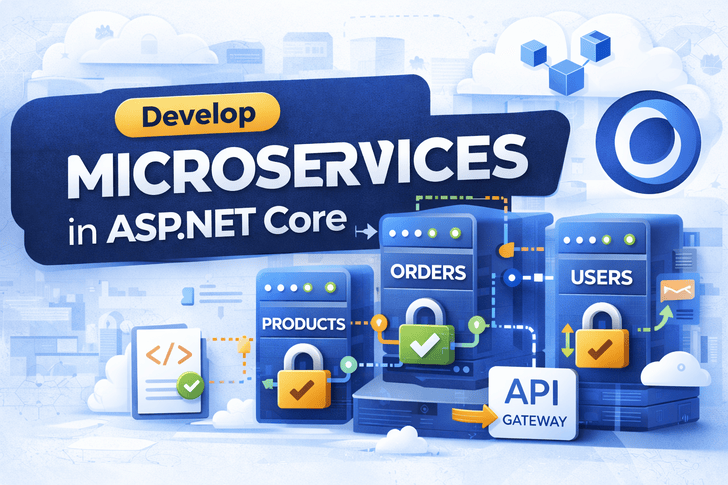
After building, securing, and deploying your ASP.NET Core applications, it’s time to scale them for real-world production environments.
This article shows you how to break a monolith into microservices and deploy them using Kubernetes.
What Are Microservices?
Microservices are a way of designing applications as a collection of small, independent services, each handling one business capability.
Benefits:
Independent deployment
Better scalability
Fault isolation
Technology agnostic (each service can use different tech)
Drawbacks:
More complex than monolith
Requires proper monitoring & orchestration
Distributed system challenges
Microservices vs Monolith
plaintext
| Feature     | Monolith    | Microservices        |
| ----------- | ----------- | -------------------- |
| Deployment  | Single unit | Independent services |
| Scalability | Whole app   | Individual services  |
| Maintenance | Slower      | Faster per service   |
| Tech Stack  | Fixed       | Mixed possible       |
| Complexity  | Lower       | Higher               |
Step 1: Split ASP.NET Core App Into Services
Example split:
plaintext
| Service          | Responsibility                | Port |
| ---------------- | ----------------------------- | ---- |
| Users Service    | Registration, Login, Identity | 5001 |
| Orders Service   | Order management              | 5002 |
| Products Service | Catalog & Inventory           | 5003 |
| API Gateway      | Routes requests to services   | 5000 |
Step 2: Dockerize Each Microservice
Example Dockerfile for Users Service
plaintext
FROM mcr.microsoft.com/dotnet/sdk:8.0 AS build
WORKDIR /app
COPY . .
RUN dotnet restore
RUN dotnet publish -c Release -o out

FROM mcr.microsoft.com/dotnet/aspnet:8.0
WORKDIR /app
COPY --from=build /app/out .
EXPOSE 5001
ENTRYPOINT ["dotnet", "UsersService.dll"]
Repeat for OrdersService, ProductsService, etc.
Step 3: Create Docker Compose for Local Testing
plaintext
version: "3.9"
services:
  users:
    build: ./UsersService
    ports:
      - "5001:5001"
  orders:
    build: ./OrdersService
    ports:
      - "5002:5002"
  products:
    build: ./ProductsService
    ports:
      - "5003:5003"