Loading…How Django Project Structure Works (Explained Simply) · devs3Skip to contentIntroduction
If you’re new to Django, one of the most confusing things at the beginning is its project structure.
After running django-admin startproject, you suddenly see files like:
settings.py
urls.py
wsgi.py
asgi.py
And folders inside folders 😵💫
In this article, we’ll break down Django’s project structure in a simple, practical way, so you understand:
Join the conversation
Comments
No comments yet. Start the conversation.
By the end, Django’s structure will feel logical, not scary.
Creating a Django Project (Quick Recap)
django-admin startproject myproject
cd myproject
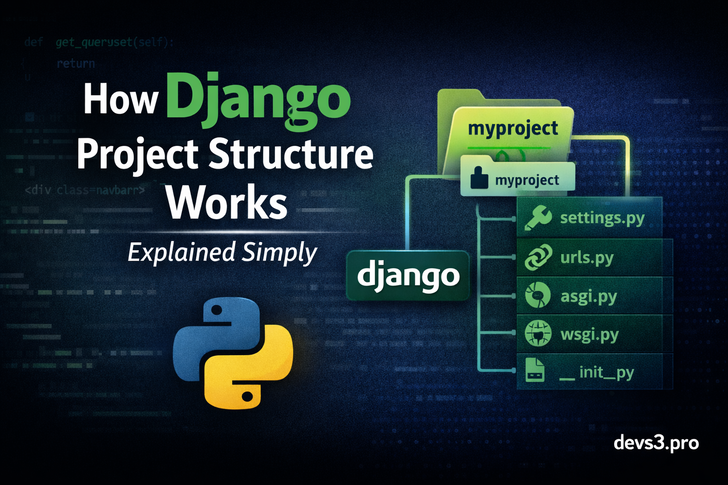
Your folder structure will look like this:
myproject/
├── manage.py
└── myproject/
    ├── __init__.py
    ├── settings.py
    ├── urls.py
    ├── asgi.py
    └── wsgi.py
Now let’s understand each part one by one.
1️⃣ manage.py – The Command Center
What it does:
Helps you interact with your Django project
Runs the development server
Executes migrations
Creates apps, superusers, and more
Common commands:
python manage.py runserver
python manage.py makemigrations
python manage.py migrate
python manage.py createsuperuser
👉 Think of manage.py as the remote control of your Django project.
2️⃣ The Inner Project Folder (myproject/)
This inner folder contains the core configuration of your project.
Important:
3️⃣ settings.py – Project Configuration Brain 🧠
This is one of the most important files in Django.
What lives here:
Installed apps
Database configuration
Middleware
Templates
Static & media files
Security settings
INSTALLED_APPS = [
    'django.contrib.admin',
    'django.contrib.auth',
    'blog',
]
👉 Any time something “doesn’t work”, settings.py is usually involved.
4️⃣ urls.py – Traffic Controller 🚦
“Which URL goes to which view?”
from django.urls import path
from . import views

urlpatterns = [
    path('', views.home, name='home'),
]
Key idea:
👉 Think of urls.py as Google Maps for your website.
5️⃣ wsgi.py – Production Entry Point
WSGI stands for Web Server Gateway Interface.
Used when:
You usually don’t touch this file, but it’s critical for deployment.
👉 Without wsgi.py, Django can’t talk to your server.
6️⃣ asgi.py – Async & Real-Time Support
ASGI is the modern version of WSGI.
Used for:
WebSockets
Real-time apps
Django Channels
Chat apps
Notifications
Live dashboards
👉 asgi.py becomes very important.
7️⃣ init.py – Python Package Marker
“This folder is a package.”
Most of the time, you won’t modify it—but it’s required.
Apps vs Projects (Very Important Concept)
❓ Project
Entire website
Configuration & settings
❓ App
A feature or module
Reusable component
blog
accounts
dashboard
payments
python manage.py startapp blog
blog/
├── admin.py
├── apps.py
├── models.py
├── views.py
├── tests.py
└── migrations/
👉 One project = many apps
This is what makes Django clean and scalable.
Why Django Enforces This Structure
Django’s structure helps you:
This is why Django works well for:
SaaS platforms
Content sites
Admin-heavy systems
Enterprise applications
Common Beginner Mistakes ❌
❌ Putting everything in one app
❌ Editing settings.py randomly
❌ Not understanding URL routing
❌ Renaming core files
👉 Learn the structure once, and Django becomes much easier.
Best Practices ✅
✔ Keep apps small and focused
✔ Use meaningful app names
✔ Separate settings for dev & prod
✔ Organize templates by app
Final Thoughts
Django’s project structure may look complex at first, but it’s actually one of its biggest strengths.
Projects vs Apps
URLs → Views → Templates
Configuration flow
👉 Django becomes predictable, scalable, and enjoyable to work with.