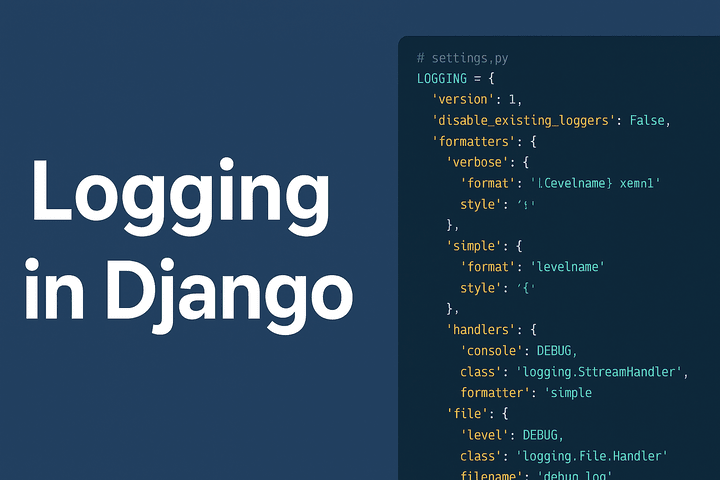
Logging is one of the most important aspects of any application. It helps developers track errors, monitor performance, and debug issues effectively. In Django, logging is highly configurable and integrates with Python’s built-in logging module.
In this tutorial, we’ll go step by step through Django logging configuration, based on the example you provided.
Why Logging Matters in Django?
Debugging: Trace back issues in development or production.
Monitoring: Know what’s happening inside your application.
Auditing: Keep a history of actions/events.
Error Handling: Notify admins when critical errors occur.
Basic Structure of Django Logging
Django logging configuration is defined in the settings.py file inside a dictionary named LOGGING. The main components are:
version – Schema version (always
1).disable_existing_loggers – Controls whether to disable Django’s default loggers.
formatters – Define how log messages will look.
handlers – Decide where log messages should go (console, file, email, etc.).
loggers – Define which components use which handlers.
Example Logging Configuration
Here’s the configuration we’ll break down:
# settings.py

LOGGING = {
    'version': 1,
    'disable_existing_loggers': False,
    'formatters': {
        'verbose': {
            'format': '{levelname} {asctime} {module} {message}',
            'style': '{',
        },
        'simple': {
            'format': '{levelname} {message}',
            'style': '{',
        },
    },
    'handlers': {
        'console': {
            'level': 'DEBUG',
            'class': 'logging.StreamHandler',
            'formatter': 'simple',
        },
        'file': {
            'level': 'DEBUG',
            'class': 'logging.FileHandler',
            'filename': 'debug.log',
            'formatter': 'verbose',
        },
        'mail_admins': {
            'level': 'ERROR',
            'class': 'django.utils.log.AdminEmailHandler',
        },
    },
    'loggers': {
        'django': {
            'handlers': ['console', 'file'],
            'level': 'DEBUG',
            'propagate': True,
        },
        'myapp': {
            'handlers': ['console', 'file'],
            'level': 'DEBUG',
            'propagate': False,
        },
        'django.request': {
            'handlers': ['mail_admins'],
            'level': 'ERROR',
            'propagate': False,
        },
    },
}