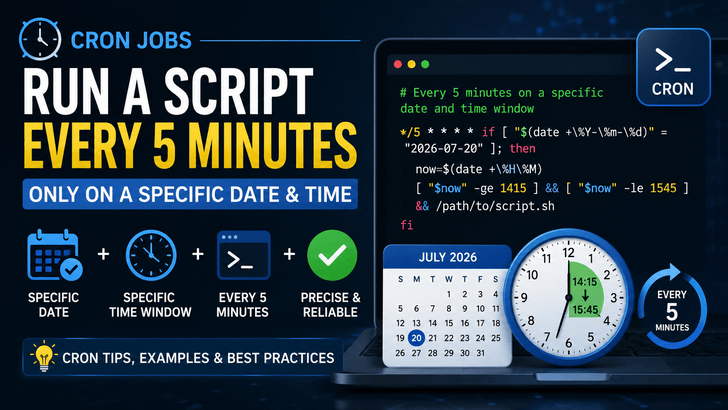
Cron is one of the most powerful scheduling tools available on Linux and Unix systems. Most developers know how to schedule a task every minute, every hour, or every day. However, many people struggle when they need to execute a script only on a specific date and during a specific time window.
This article explains how to achieve that cleanly and reliably.
Understanding Cron
A cron expression consists of five fields:
plaintext
* * * * * command
│ │ │ │ │
│ │ │ │ └── Day of Week (0-7)
│ │ │ └──── Month
│ │ └────── Day of Month
│ └──────── Hour
└────────── Minute
For example:
plaintext
*/5 * * * * /path/to/script.sh
This executes the script every 5 minutes, every hour, every day.
But what if you want something more specific?
Scenario 1
Run Every 5 Minutes Only on a Specific Date and Hour
Suppose you want to execute a script:
Date: 20 July 2026
Time: 2:00 PM – 2:59 PM
Frequency: Every 5 minutes
A simple cron entry can do this:
plaintext
*/5 14 20 7 * [ "$(date +\%Y-\%m-\%d)" = "2026-07-20" ] && /path/to/script.sh